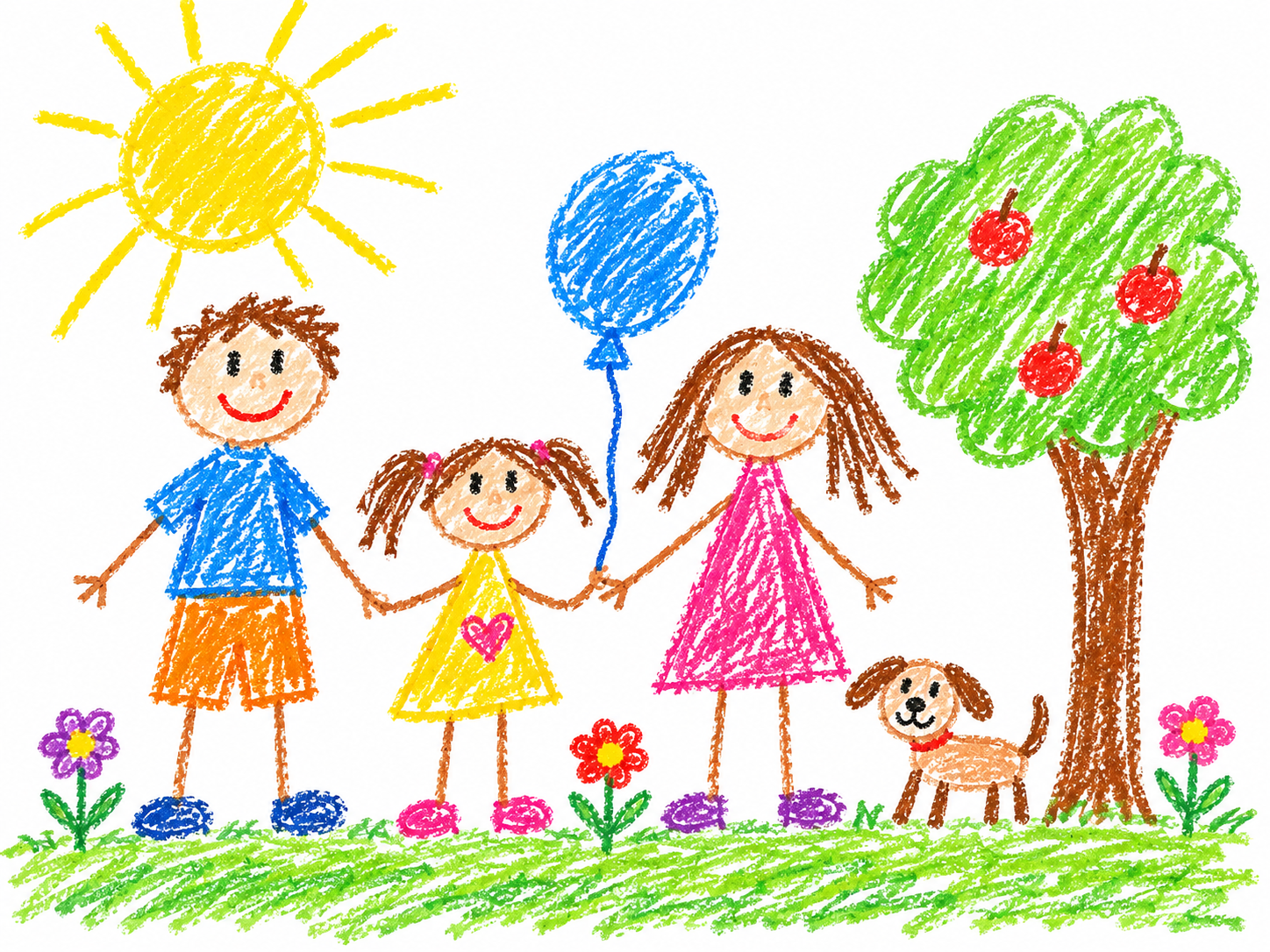
Children's Art
Friends and a Dog
The balloon swings, the sun shimmers, and the flowers tilt.
AI DRAWING ANIMATION
Turn a drawing into a short animated video.
Use this online drawing animation tool to turn a sketch, doodle, character drawing, or your child's artwork into a short animated video. Choose the length and quality, then watch your picture come to life.
Upload your artwork, choose the video settings, and create a short animation.
Upload Your Drawing
Choose an image from your device or drag it into this area.
JPG, PNG, or WebP · Up to 20MB
Your original artwork is the starting point for your video.
Browse real transformations across characters, animals, sketches, and complete scenes.
Children's Art
The balloon swings, the sun shimmers, and the flowers tilt.
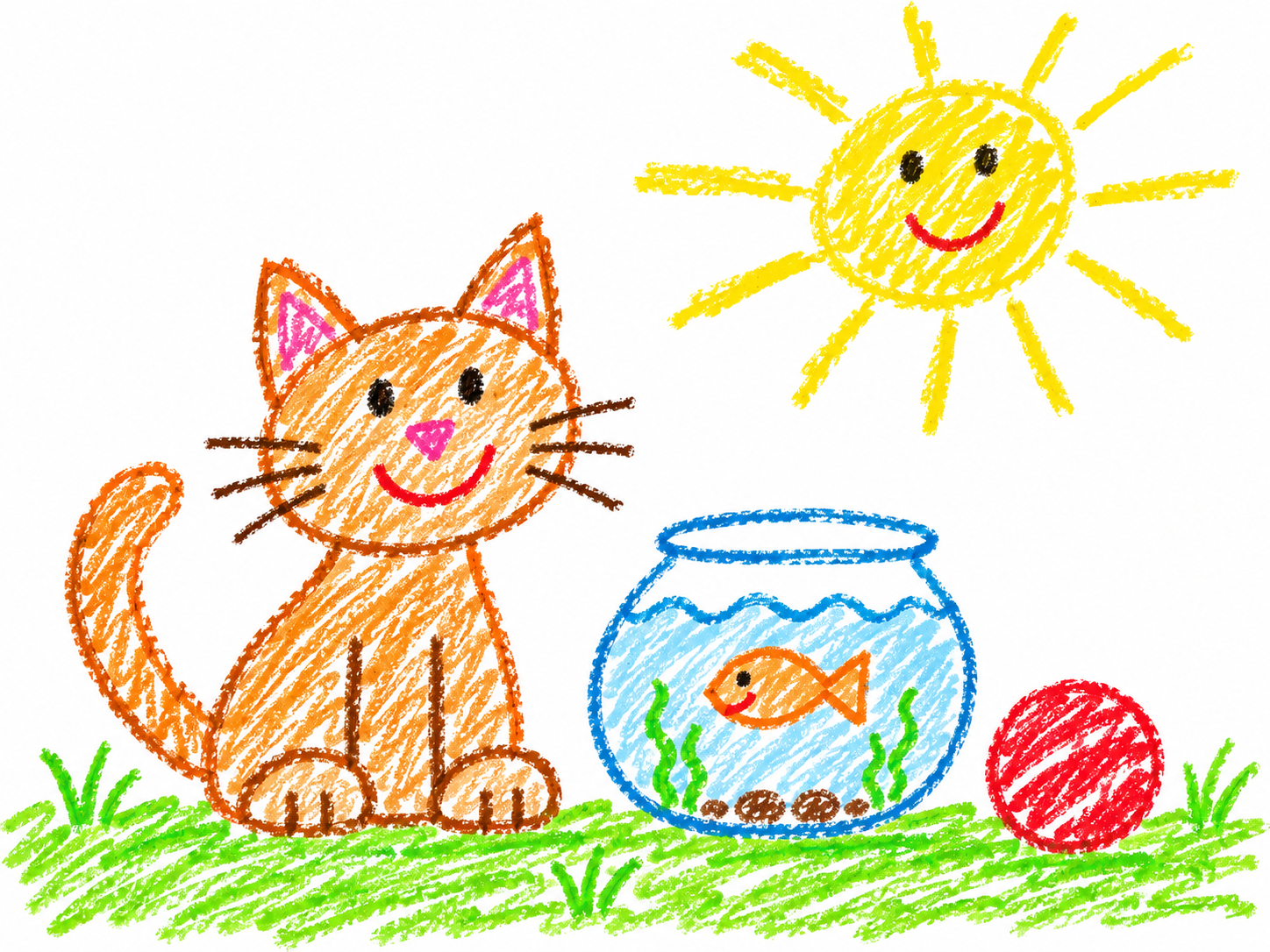
Animals
The fish loops inside the bowl while the water line ripples.
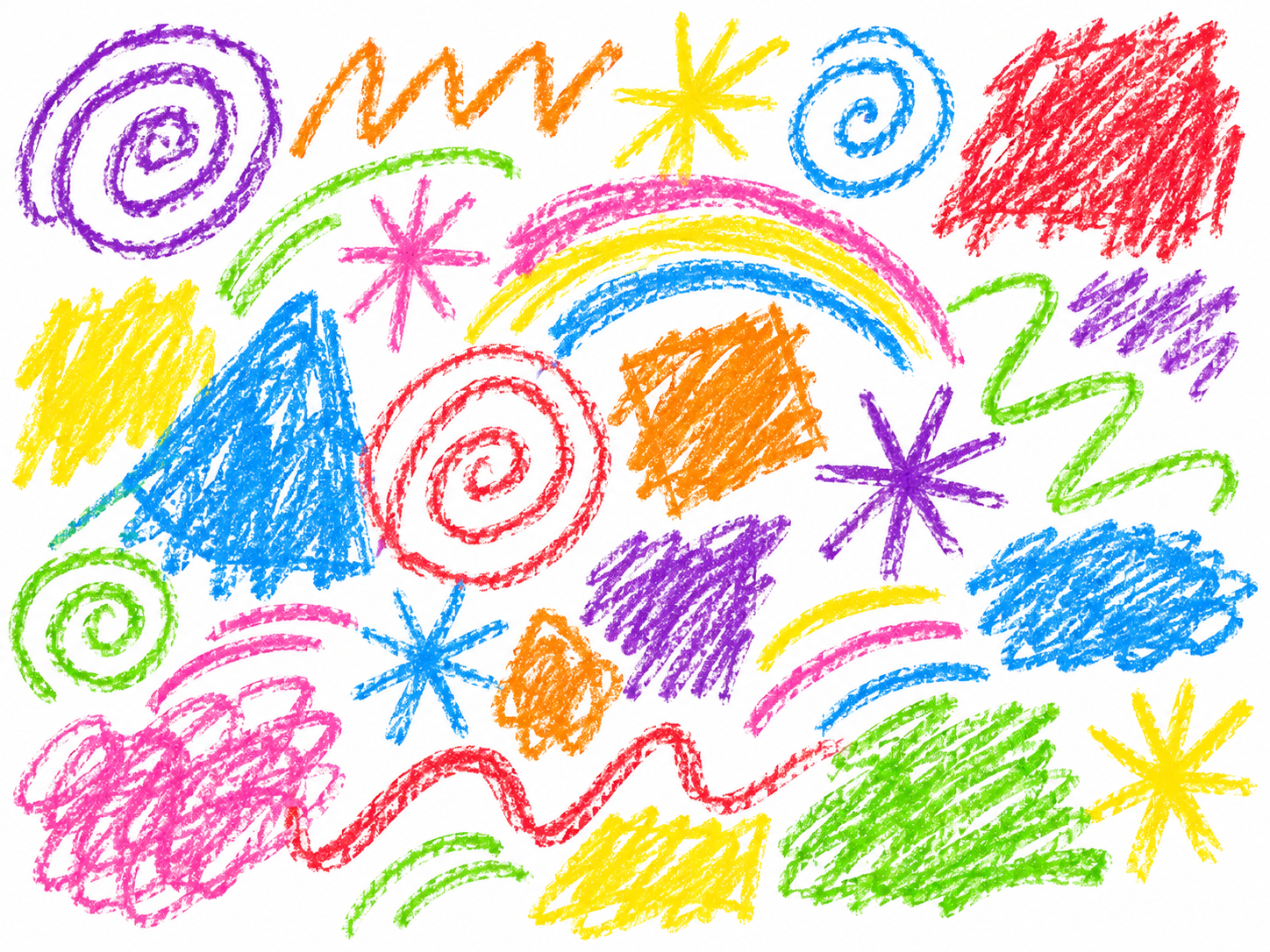
Doodles
The arc bands glow in sequence, and the scribble masses swell and settle.
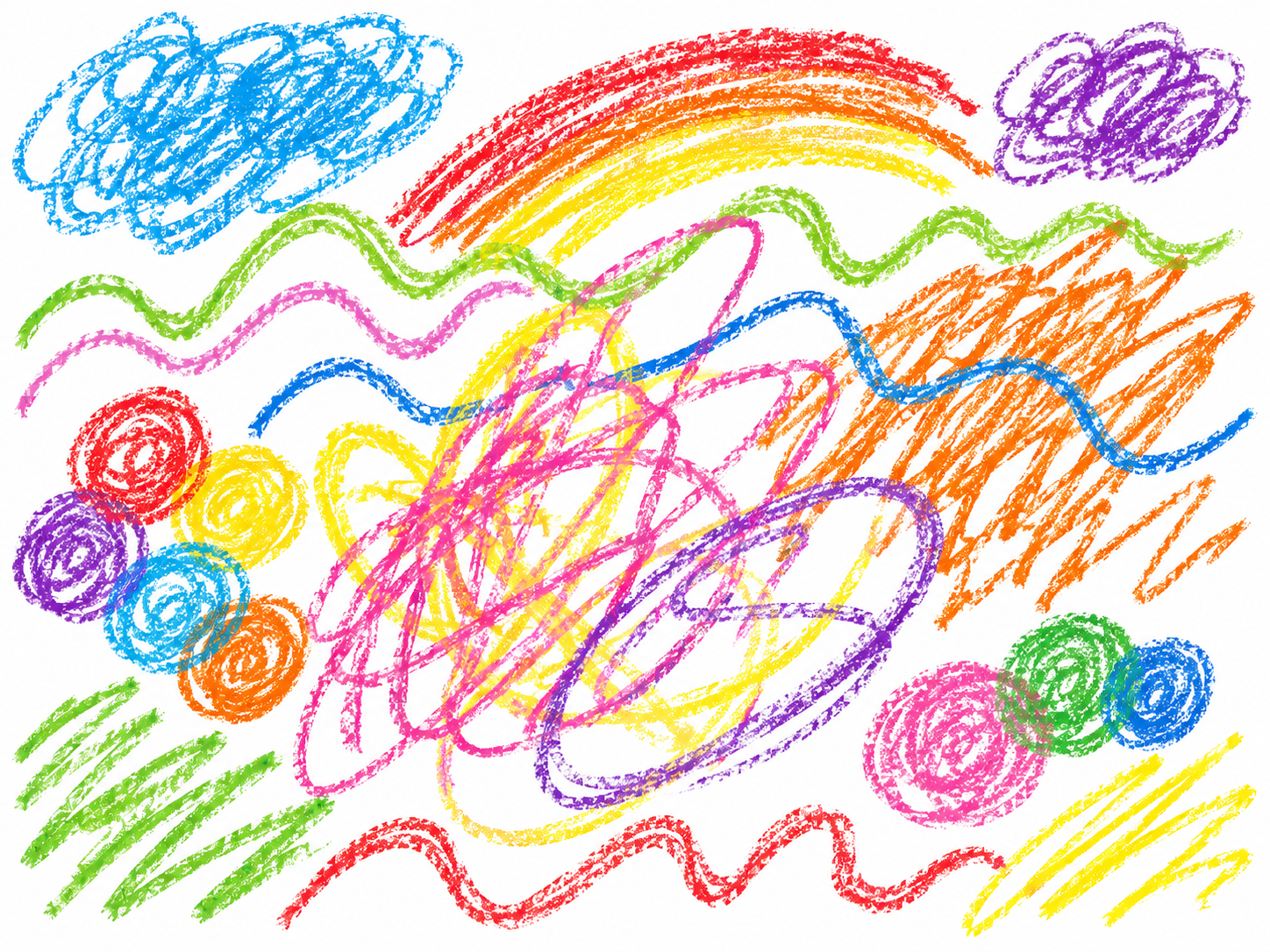
Abstract Art
The wavy lines ripple in place, and the scribble clusters swell slightly.
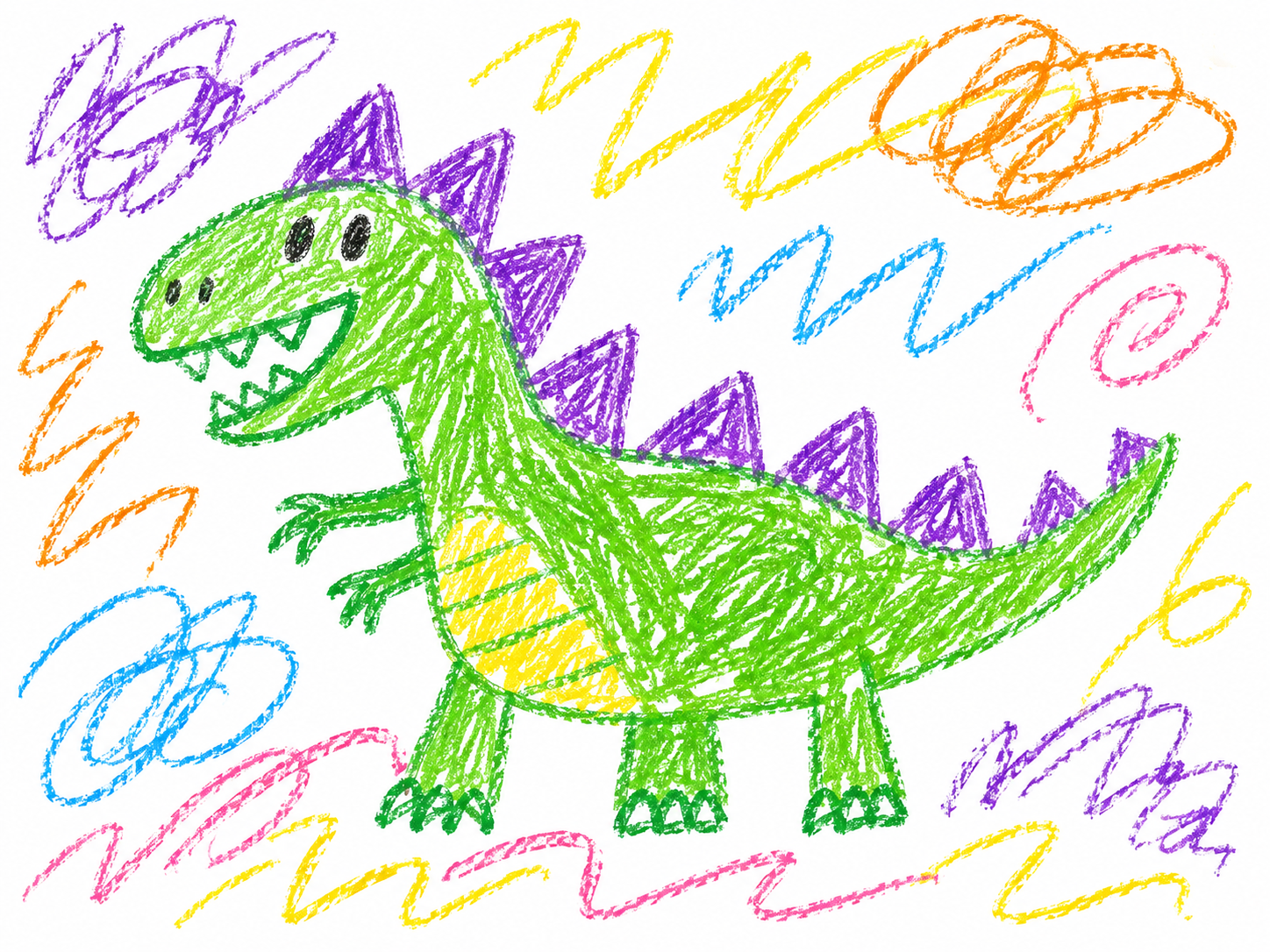
Animals
The dinosaur nods and sways its tail while the loops turn in place.
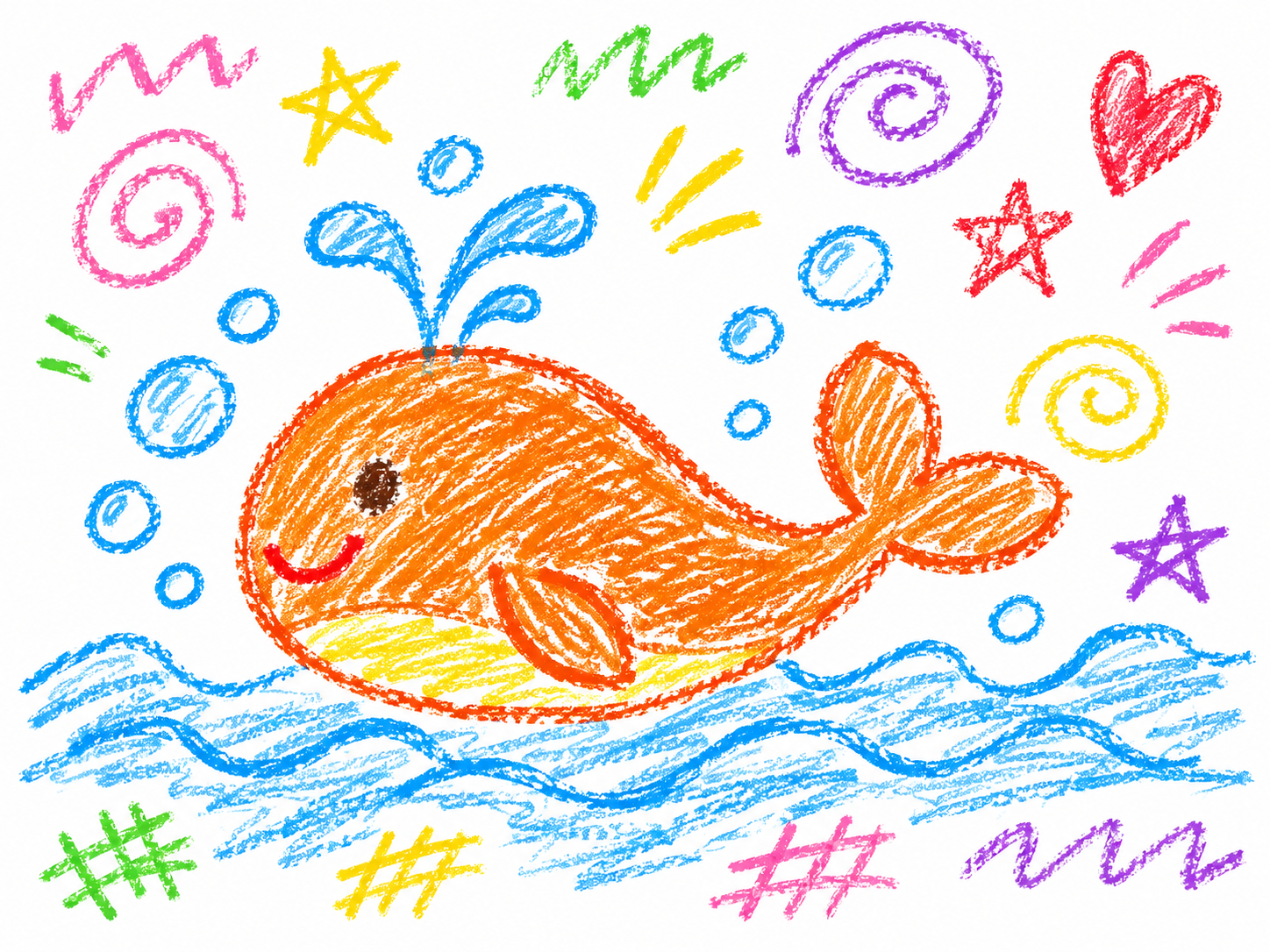
Animals
The whale rises and sinks, the spout swells, and the waves roll.
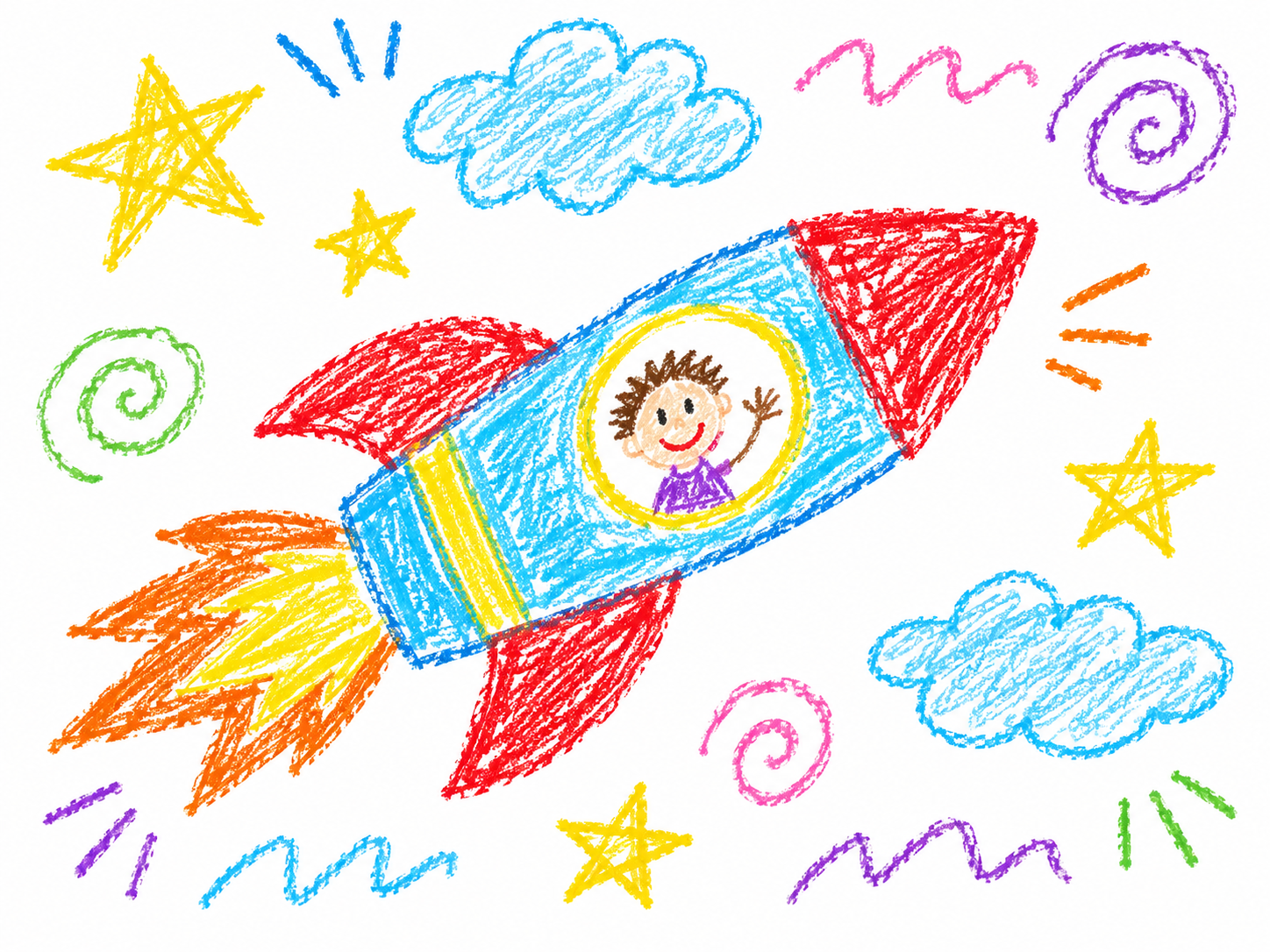
Fantasy
The rocket lifts slightly while the flames flicker.
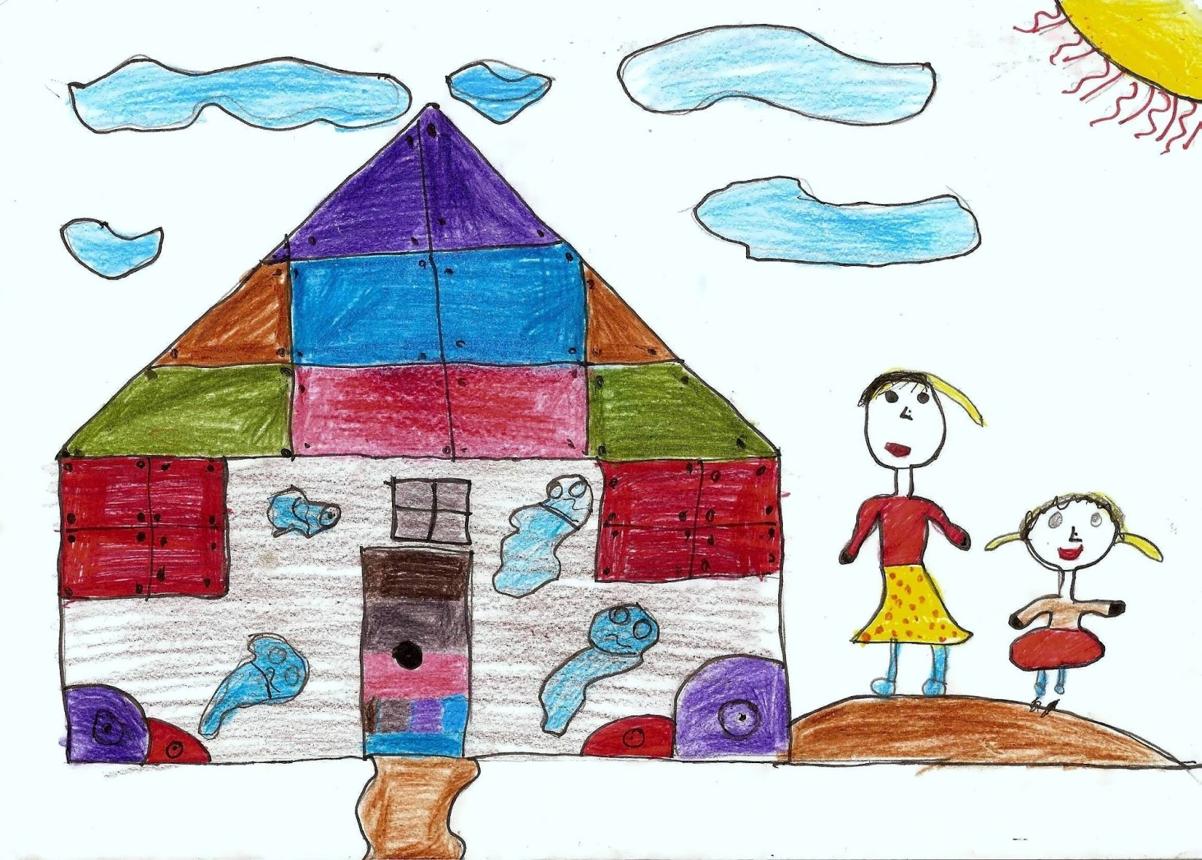
Children's Art
The clouds drift a short way and return, and the sun’s rays brighten and dim.
Start with the artwork you already have — from a simple character to a whole imagined world.
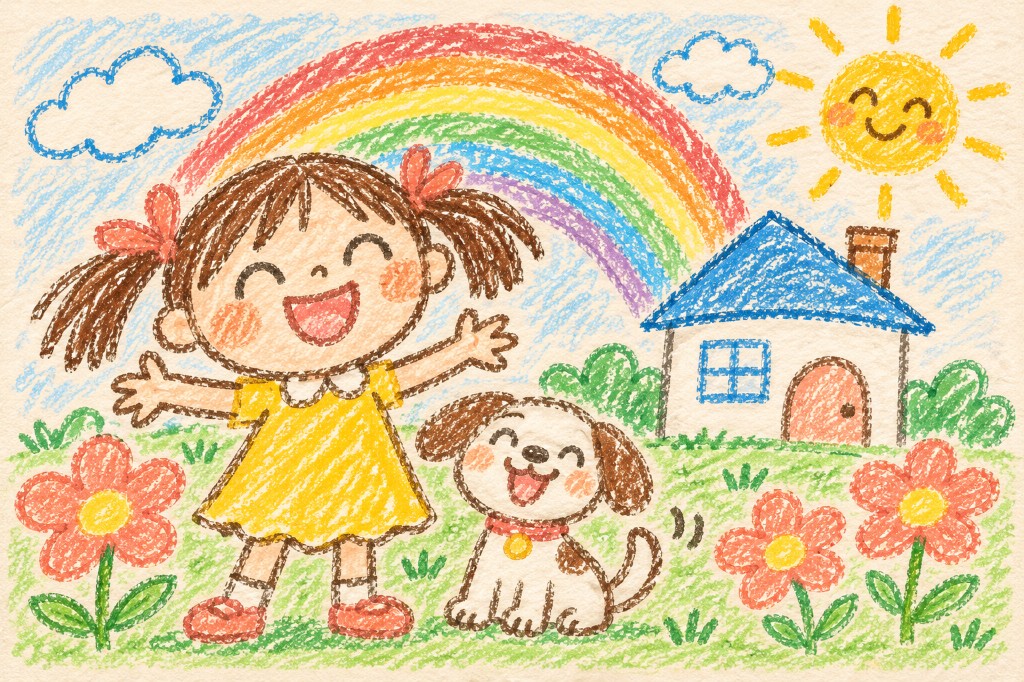
Bring people, pets, houses, and imaginative scenes from a child’s artwork to life.
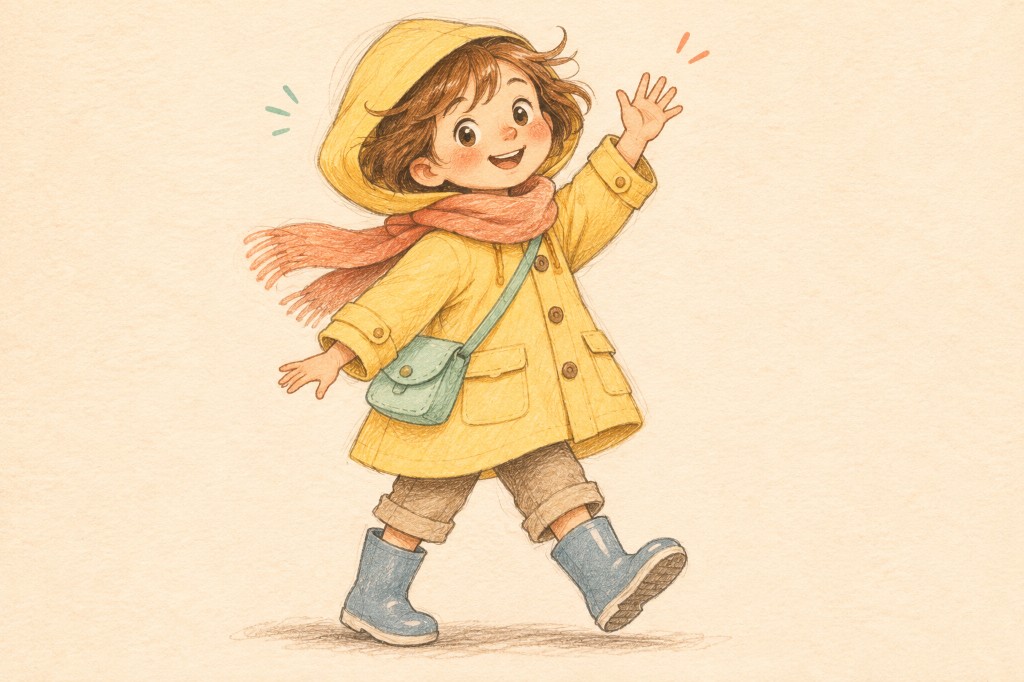
Give a character from a notebook or sketchpad a little movement.
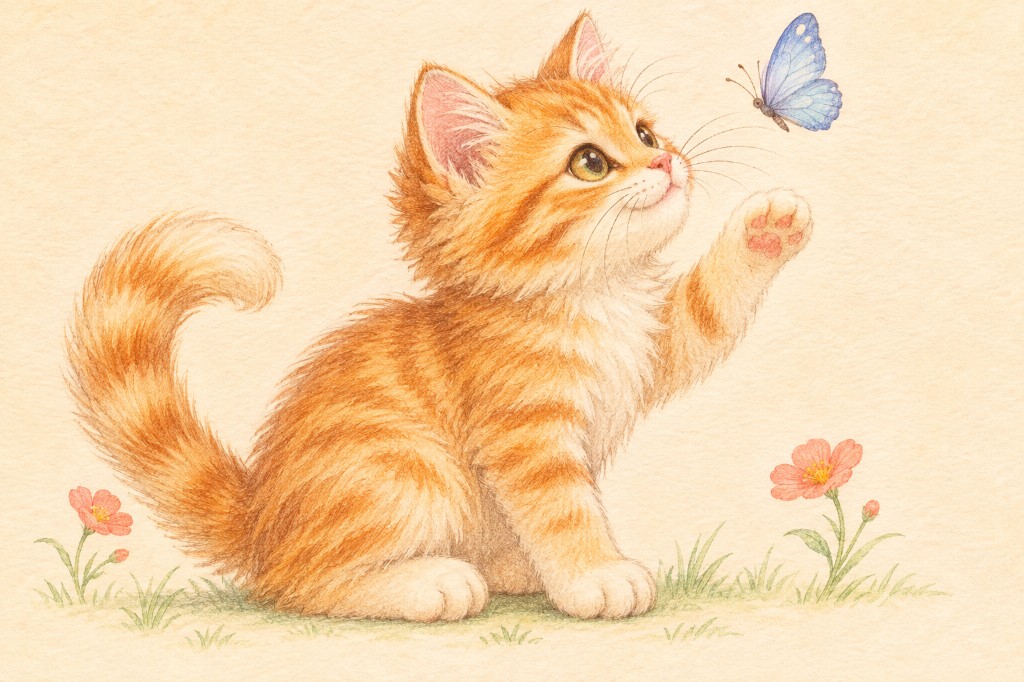
Animate drawings of birds, pets, fish, and other favorite animals.
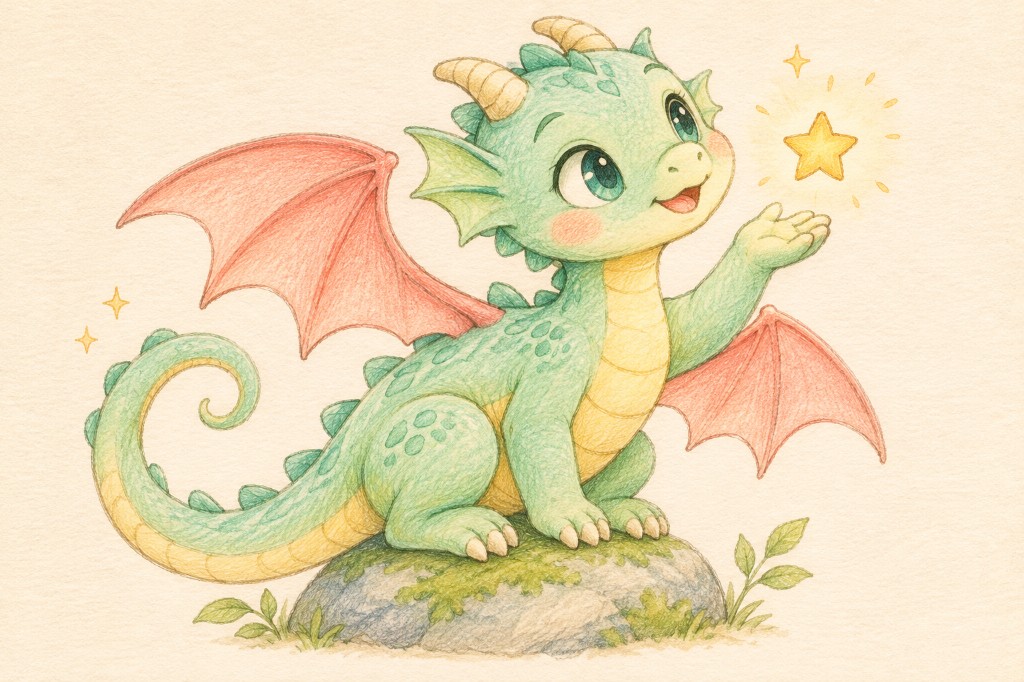
Bring dragons, monsters, and made-up creatures into motion.
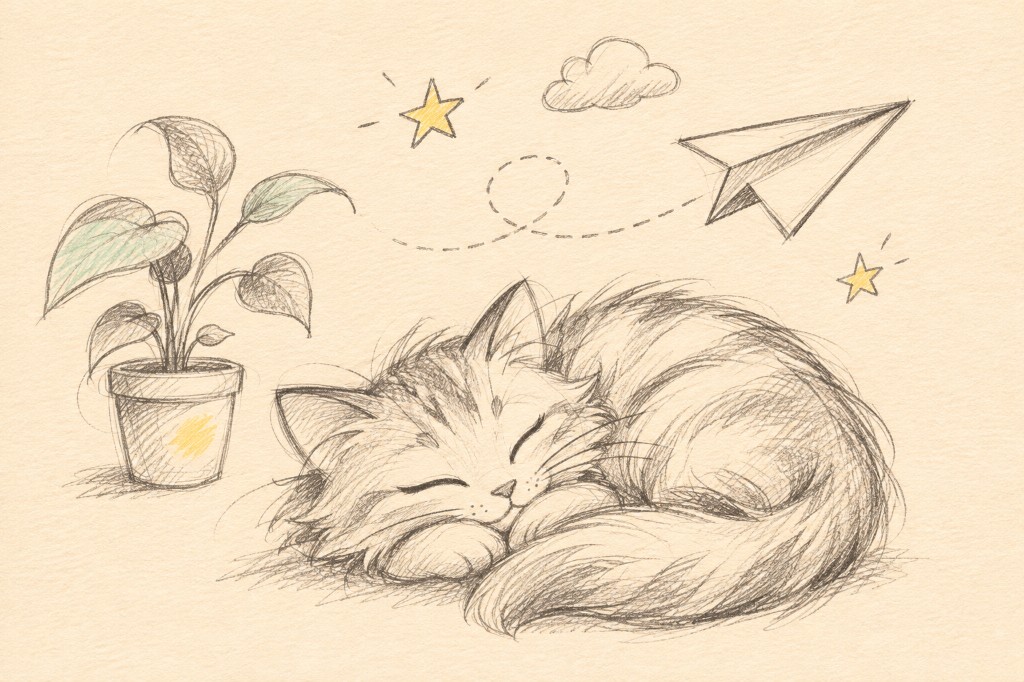
Start with pencil sketches, quick line drawings, or playful doodles.
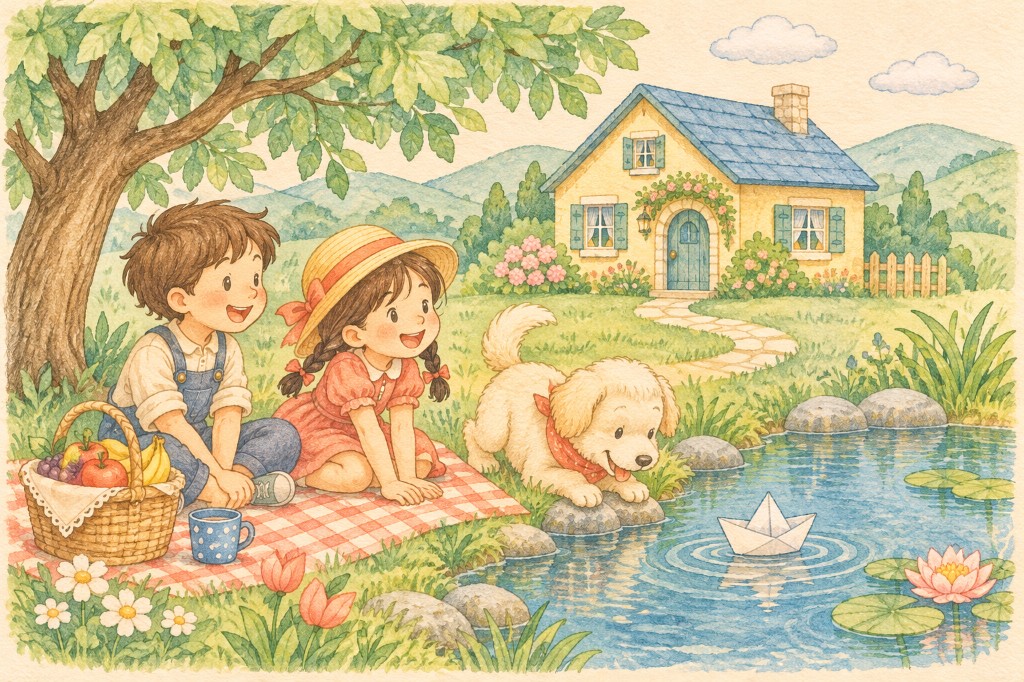
Animate a whole picture with people, objects, and a place in the same scene.
A child’s picture can become a little animated keepsake. Start with a drawing of a family, a favorite animal, a made-up creature, or an entire scene. The result is a short video inspired by their artwork.
Explore the children's drawing animation guide for helpful tips. A parent or guardian should upload a child’s work. Read our safety guidance before sharing personal details in an image.
Go from a still picture to a video you can watch, download, and share.
01
Choose a JPG, PNG, or WebP image of your artwork.
02
Your drawing becomes a short animation inspired by the people, characters, and objects in the picture.
03
Preview your video and save it as an MP4 when it is ready.
Everything you need to turn a picture into a short animated video.
You do not need to draw every frame or learn animation software. Start with the picture you already have.
Just upload your drawing. You do not need to describe every movement yourself.
Pick a 4, 8, 12, or 15-second video and choose 480p, 720p, or 1080p quality.
Preview the finished video and download it as an MP4 to keep or share.
Helpful answers before you animate your first drawing.
Upload a JPG, PNG, or WebP image, choose the video length and quality, then select Create Animation. When your video is ready, preview it and download the MP4.
Yes. Upload a drawing, sketch, or doodle and create a short animated video inspired by the picture. Results can vary, especially with very detailed or overlapping artwork.
Yes. A parent or guardian should upload the drawing. People, animals, houses, imaginary creatures, and complete scenes can all be starting points.
You can upload a drawing, painting, sketch, or doodle as a JPG, PNG, or WebP image. The file must be 20MB or smaller. Photos that contain a face are not accepted.
The aim is to keep the original lines, colors, and character recognizable. Small details can still change during animation, so watch the video before sharing it.
No. Upload your drawing and choose the video settings. You do not need to write instructions about the movement.
Yes. When the video is ready, you can preview it and download the MP4. Your saved animations are available in My Creations in the same browser.
Creation usually takes about 5 minutes. You can leave the page and find the finished video in your queue.
No. Your creations are private and are not added to the public examples gallery. You can remove a saved animation from My Creations. See the Privacy Policy for details.
Upload your artwork, choose the video settings, and create something worth keeping.
Animate your drawing